
AI Mashup Generator
Blend two songs into one brand-new track with AI. Upload two audio files or pick two from your library — instrumental or with vocals, in your style.
Track 1
Track 2
Upload only audio you own or have rights to. Copyright-protected recordings may be rejected.
Mode
How to mashup two songs with AI

Bring two tracks
Upload two audio files, or pick two songs you already made on MakeSong. Two is the sweet spot — the model fuses them into one.

Pick a mode
A clean instrumental in a style you describe, a faithful blend where you set how much of the originals to keep, or your own lyrics sung over the mix.
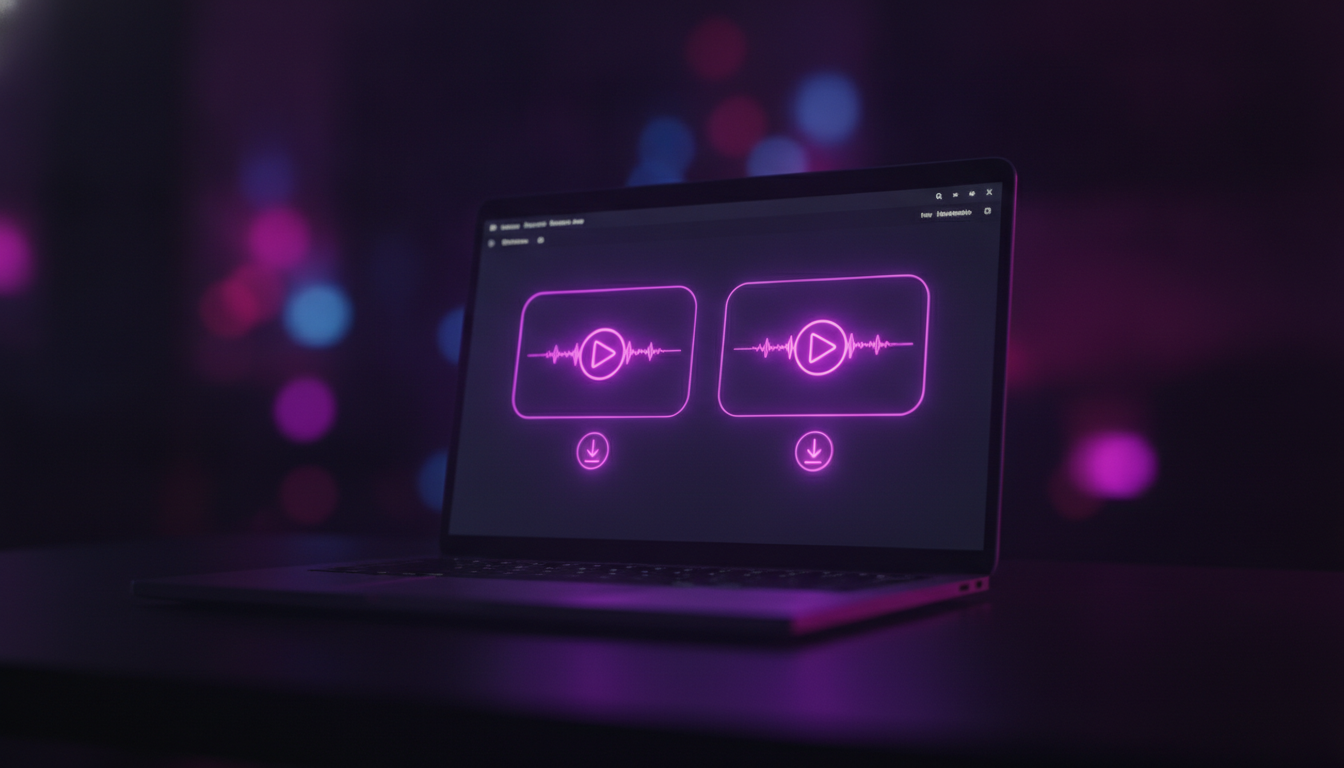
Get two versions
A couple of minutes later you have two finished mashups to play, compare and download. Nothing else to set up.
An AI song mashup maker that blends two tracks your way
Three ways to blend
Instrumental in your style, a faithful blend you tune yourself, or vocals over the mix with your own words — pick the one that fits.
You set the balance
A single slider moves between keeping the two originals and leaning into the style you describe. No guesswork, no hidden knobs.
Instrumental or vocals
Want a clean backing track? Stay instrumental. Want it sung? Add your lyrics. The output is predictable either way.
Two finished versions
Every run returns two takes on the mashup, so you can keep the one that lands and drop the other.
Yours to use
Mashups land in your library next to everything else you have made, ready to play, download and build on.
Quick, with a fair limit
Most blends finish in a couple of minutes, with a sensible daily cap so the queue keeps moving.
What you can do with a two-song mashup
Content & social clips
Score a TikTok, Reels or YouTube video with a one-of-a-kind track built from two songs you like — no stock background music, nothing that gets your clip muted for using a familiar recording.

DJ sets & parties
Test how two crowd favourites sit together before the night, or spin up a quick instrumental blend to fill a room — no decks, no beatmatching by hand.
Streams & podcasts
Get intro, outro and bed music that is actually yours: a calm instrumental mashup in the style you describe, ready to drop into any episode.
Songwriting starts
Merge two reference tracks into a fresh instrumental and use it as the seed for your next song — then switch to vocals mode and add your own lyrics.
What is an AI mashup generator?
An AI mashup generator takes two songs and writes a new one that carries pieces of both. Instead of beat-matching and crossfading two recordings the way a DJ tool does, MakeSong listens to each track and composes a fresh piece — so a mashup of two songs comes out as a reinterpretation you can actually release, not a clip of one record cut into another.
That is why the controls here are about intent, not turntables. Choose whether the result is a clean instrumental, a faithful blend you tune yourself, or a vocal track with your own lyrics; then move one slider between keeping the two originals and following the style you describe. Mix two songs into one, combine an instrumental with a melody, or merge two ideas into a single track — the AI handles the tempo, key and arrangement, so you need no DJ skills.
Every mashup returns two finished versions in a couple of minutes, lands in your library, and is yours to download. Upload two MP3 or WAV files, or pick two songs you already made on MakeSong, and start blending.
Frequently asked questions
Is this a DJ-style mashup or a new song?
A new song. MakeSong does not beat-match and crossfade two recordings like a DJ tool — it listens to both tracks and writes a fresh one that carries elements of each. Expect a reinterpretation, not a literal cut between the two.
I uploaded two songs with vocals but asked for instrumental — why did it still sing?
Use the "Instrumental · My style" mode. It rebuilds a clean instrumental from your description instead of holding onto the source audio, so the source vocals are dropped. If you push a faithful blend hard toward "keep originals", some source vocals can return — that is the trade-off of keeping the originals.
How do I keep more of the original two songs?
Use "Faithful blend" and drag the slider toward "Keep originals". The further you go, the more of the source melody and groove survives. With vocal sources, keeping more can also keep some of their vocals.
Can I put my own lyrics on it?
Yes — choose "Vocals · My lyrics", add a title, a style and your words, and the mashup is sung with exactly those lyrics.
What files can I upload, and how many?
Exactly two audio files — MP3 or WAV — up to 50MB each. You can also pick two songs straight from your MakeSong library.
Why two results?
Each run produces two versions so you have a choice. They share your settings but differ in the details; keep whichever fits.
My upload was rejected — what happened?
Audio that matches a copyright-protected recording can be turned down by the model. Upload tracks you own or have the rights to, and swap in a different file if one is refused.
Does it cost credits?
Each mashup uses a small number of credits and returns two songs. If a run fails, you are not charged.
Got two tracks in mind?
Upload them, pick a mode, and hear what they sound like as one.
Make a mashup