Synced lyrics that follow every word
Hand MakeSong a track and its words. It marks where every line — and every word inside it — is sung, then hands back seven ready-to-use files for players, karaoke and lyric videos.
One line per lyric · plain text only, no [tags] or timestamps · should match the vocals
See example
[Intro]
[00:08.20] City lights blur in the rain
[00:11.40] I keep your name like a refrain

(Repeat chorus 2x)
City lights blur in the rain
I keep your name like a refrain
Every heartbeat counts the miles
Carrying me back to your smile
AI Lrc generator,How it works

Choose a track
Tap a song you already made on MakeSong to pull its lyrics straight in, or upload your own audio and paste the words.
Let it mark the timing
MakeSong reads the vocal and pins the moment each line — and each word inside it — is sung. Nothing to drag or nudge by hand.

Take seven files, not one
A single sync gives you LRC, Enhanced LRC, SRT, WebVTT, ASS, TTML and TXT. Come back and re-download any of them whenever, free.
Turn any song into perfect synced lyrics
Line and word timing
Plain LRC keeps lines in step; Enhanced LRC drops a timestamp on every word for true karaoke highlighting.
Seven formats, one pass
Time the song once and export LRC, Enhanced LRC, SRT, WebVTT, ASS, TTML or TXT — as many as you want, whenever you want.
Built for karaoke screens
Per-word timing means lyrics light up word by word, in sync with the vocal, on any compatible player.
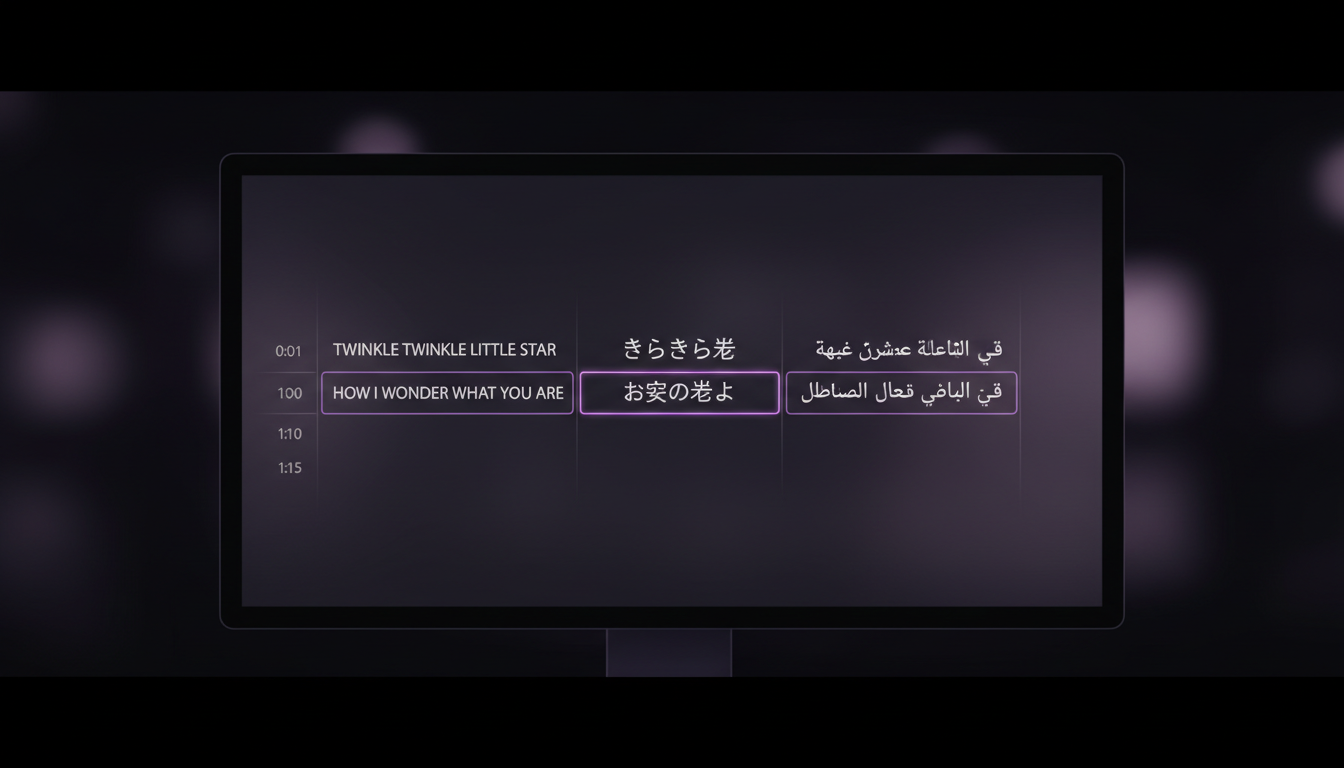
Reads the language for you
It detects the language of your lyrics and times them accordingly, across dozens of languages.
Zero manual timestamping
No dragging markers around a waveform. Hand it audio and clean lyrics and the timing is done for you.
Quick and on the house
Most tracks finish in well under a minute, free to use, with a sensible daily cap.
Frequently asked questions
How is this different from typing timestamps by hand?
I made my song on MakeSong — do I have to upload anything?
What can I download?
Which audio files work, and how big can they be?
A few lines look slightly off. Why?
Does it cost credits?
Can I caption a lyric video with this?
What exactly is Enhanced LRC?
Make your own song first
Create an AI song with lyrics, then sync them in one click — no upload needed.
Create a song